GoYoo Tracks
Recording your first track: where to start?
Skiing, cycling or running. Pick one and go.
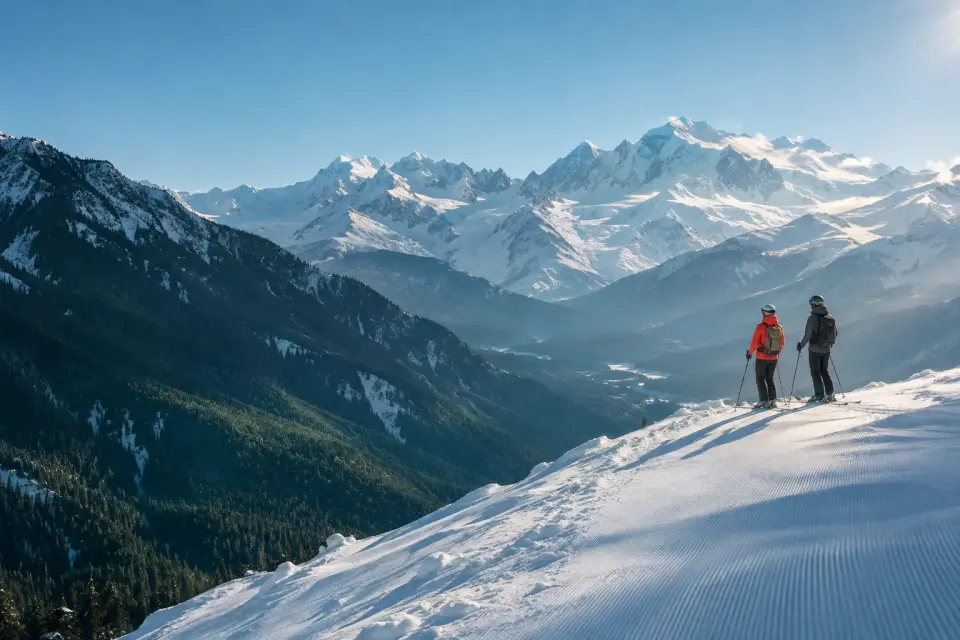
01 Choose today’s sport
Enter from GoYoo Tracks on the home screen or from the posting entry, then choose skiing, cycling or running. Each sport shows the stats that suit it.
 Skiing
 Cycling
 Running
Opening a guide never starts a recording. When you’re ready, go to the app.
02 Get ready, then go
Follow the app’s prompts to check location permission and location status. On first use, read what the permission is for before you start recording. If you see a low-accuracy notice, finish the check first.
- Choose the sport for this activity.
- Check location status and grant permission if needed.
- When you’re ready, tap to start recording.
03 Afterwards, look back at the journey
After you finish and save, view the stats, the route and the replay. Skiing, cycling and running each show their own stats, so every outing is easy to look back on.
04 Sharing is up to you
Saving a record and posting it are two separate steps. Before posting, check the visibility, how the route is shown and your start and end privacy settings, then confirm.
GoYoo Privacy Map replaces the real base map and place names with a virtual scene from GoYoo World and keeps the processed track. Photos, text and the shape of the route can still give location clues.
Ready? Give it a try.
Start in the app. Reading a guide never starts a recording or asks for permissions.