Dive log
Turn a dive into a log of your own
Dive site, depth, duration, and what you met underwater.
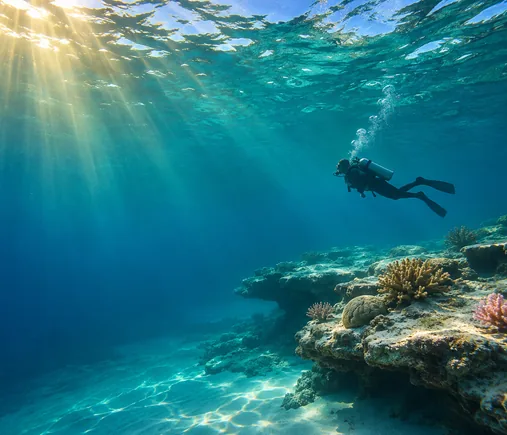
01 Find where this dive took place
From the posting entry choose Write a dive log, then fill in the date and dive site. If you don’t have the right photo yet, you can still write up the experience first.
02 Keep the key figures
Fill in the maximum depth, dive time and dive type, and add photos and text. Anything you enter by hand is yours to double-check.
A dive log is for recording and looking back. It cannot replace a dive computer, professional training or on-site safety judgment.
03 Save or share
When the log is done, save or post it as you wish. Choose the visibility before posting; the review status is shown in the details of your own content.
Ready? Give it a try.
Start in the app. Reading a guide never starts a recording or asks for permissions.