Originals, processed on your device
Dive color fix runs on your phone. Originals are not uploaded or overwritten; posting is a separate action you choose.
PRIVACY IS PART OF THE JOURNEY
GoYoo cares about your privacy. Recording what you love and making your life public
should be two things you decide separately.
Dive color fix runs on your phone. Originals are not uploaded or overwritten; posting is a separate action you choose.
GoYoo Privacy Map shows the processed route in a virtual scene, with no real base map or place names.
Saving is not posting. Before you post, choose the visibility and check the route, its start and end, the photos and the text.
YOUR JOURNEY. YOUR PRIVACY.
GoYoo Privacy MapYou want to share this journey and still leave some room for real life. GoYoo Privacy Map places your track in the virtual GoYoo World, so others can enjoy the journey itself.
No real base map or place names are shown, so a public route points less directly to actual places.
The processed shape of the track is kept, so a replay you allow still tells the story of the activity.
Combine it with start and end protection, visibility settings or stats-only display to share in the way that suits you.
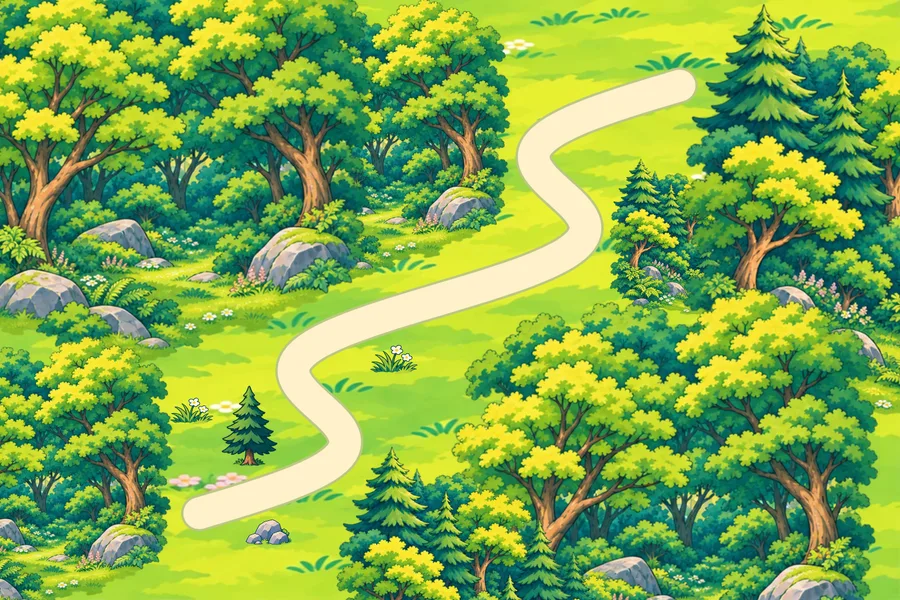
 No real base map or place names
The processed track is placed in GoYoo World, with a virtual scene in place of the real base map.
This map view is for comparison. The blocks and route shown are fictional examples.
Privacy Map protects place information on the map. Photos, text and the shape of a track can still give location clues, so check those before you post, too.
A CLEARER CHOICE
When you’d rather not share a route, choose stats-only display. When you do want to share a track, combine Privacy Map with start and end protection, then check who can see the content.
Privacy Map reduces how directly a map exposes real places. It does not make you anonymous or make a location impossible to infer. The shape of a route, landmarks in photos, text and places you add by hand can still give location clues.
PRIVACY CENTER
Here you can find the privacy notices, permission explanations, and service lists for the GoYoo app and this website. Read what you need, or use the contact page to make a request about your personal information.
What personal information the GoYoo app collects, how it is used and stored, and how you can manage it.
Content version: Draft of Learn more Pending releaseThe personal information the GoYoo app collects, listed by feature, with its purpose and when it is collected.
Content version: Draft of Learn more Pending releaseThe third-party services the GoYoo app uses, what each is for, and the information involved.
Content version: Draft of Learn more Pending releaseThe system permissions the GoYoo app requests: what they are for, when they are requested, what happens if you decline, and how to turn them off.
Content version: Draft of Learn more Pending releaseHow to view, correct, export, and delete your personal information and withdraw consent in the GoYoo app.
Content version: Draft of Learn more Pending releaseHow this website handles visit information, and notes on using this website. It does not cover data in the GoYoo app.
Content version: Draft of Learn moreGoYoo stores service data separately based on each user’s region.
The above describes where service data is stored. Some third-party services may process information necessary to provide their services on their own servers. See the Third-Party Services and SDK List for details.
You can do the following in the GoYoo app.
Go to Me and tap Edit profile to view and change your profile photo, display name, bio, and home city.
In Settings, go to Account & security and select Export personal data.
You can turn off location, camera, photo, and notification permissions at any time in your phone’s system settings.
In Settings, go to Account & security and select Delete account.
For questions or requests about personal information, email: goyeahtech@gmail.com
These are previously published texts, kept as they were for reference. They are available in Simplified Chinese only.