Choose your media
Import photos or videos. The app shows how many you can select this time.
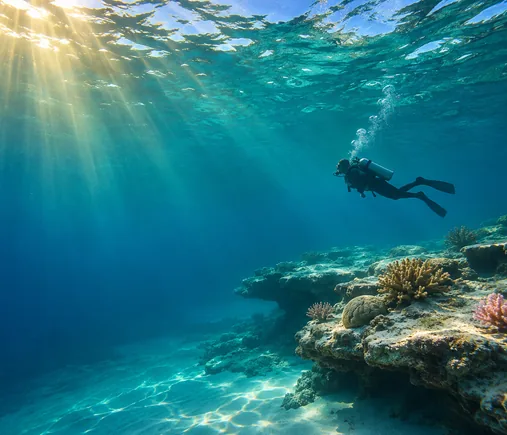
BRING THE COLORS BACK
Bring the color back to your dive photos and videos. Preview and adjust on your phone, then save the look you like.
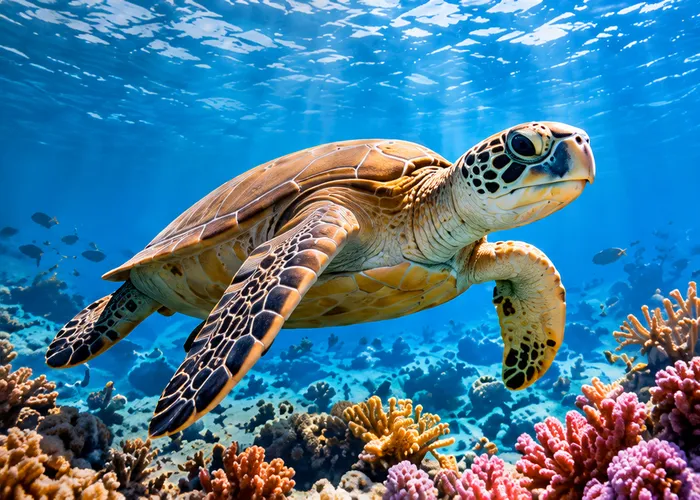
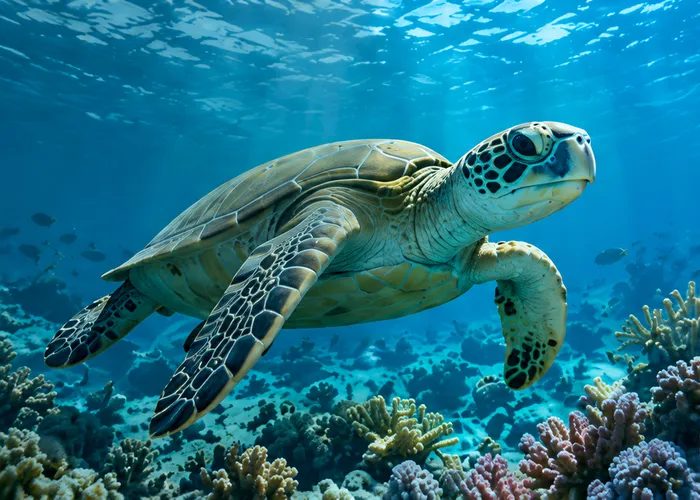
LESS FUSS. MORE ADVENTURE.
Import photos or videos. The app shows how many you can select this time.
Start with the natural restoration, adjust the strength, and press and hold to see the original.
Choose a video quality your plan supports, confirm, and save to your photo library.
KEEP IT YOURS
Color work happens on your device. Originals are not uploaded or overwritten. Photos keep their original dimensions; video export quality depends on your current plan and the source file.
About video quality and watermark removalOriginals are not uploaded while photos or videos are processed.
A new file is saved and the original stays as it was.
Saving to your photo library never posts anything to the community.
Photos, screens and figures on this page are there to show the features. What you can actually do depends on the current app and the plans available.
YOUR NEXT ADVENTURE STARTS HERE
We're getting ready for a better meeting. You're welcome to apply for the GoYoo beta.